Hubspot Connector Tutorial
In this tutorial, we’ll see how to connect and disconnect your ASPR account to your Hubspot Account.
Establishing ASPR connection with Hubspot App
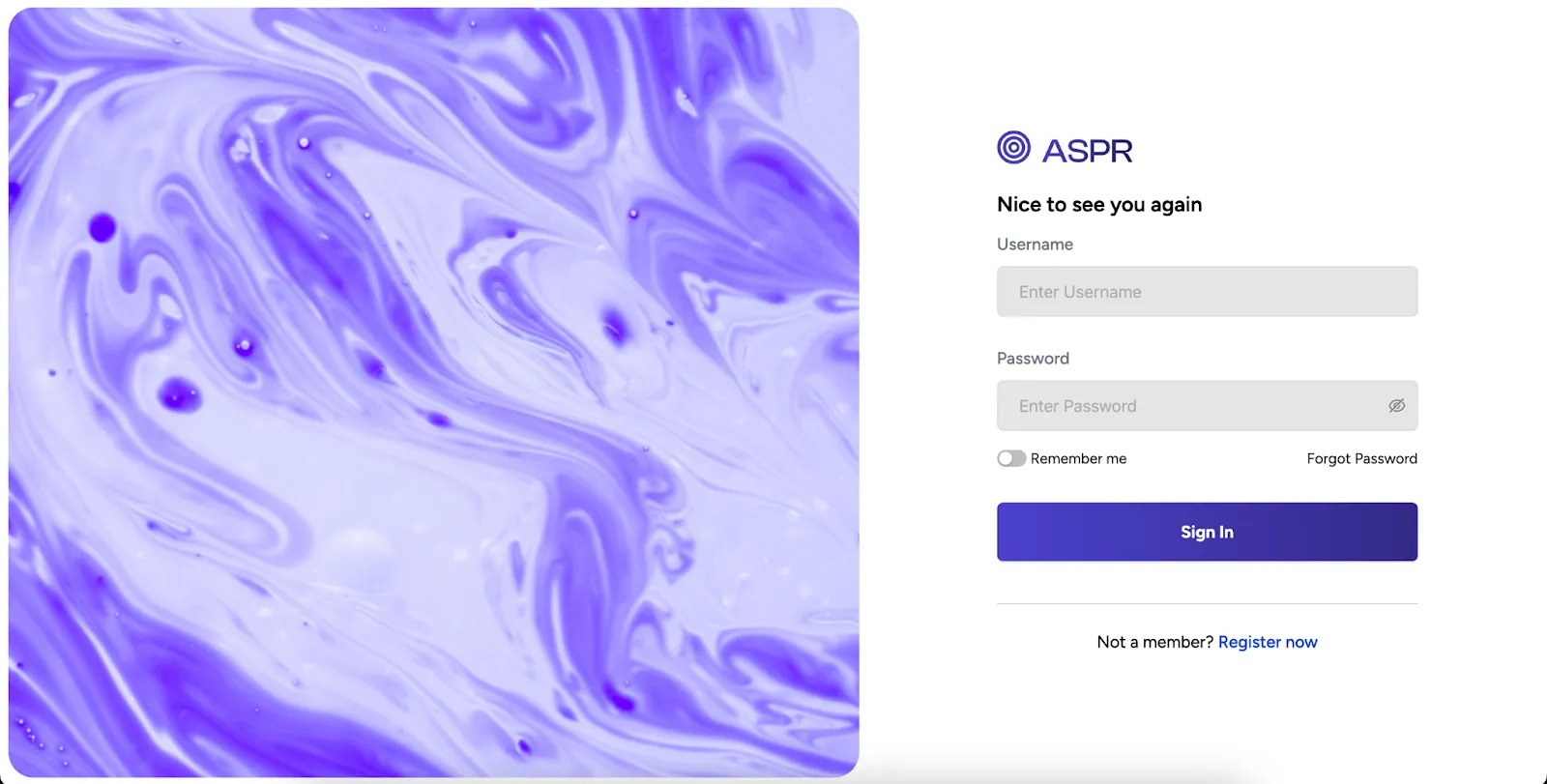
- Login into aspr.ai account
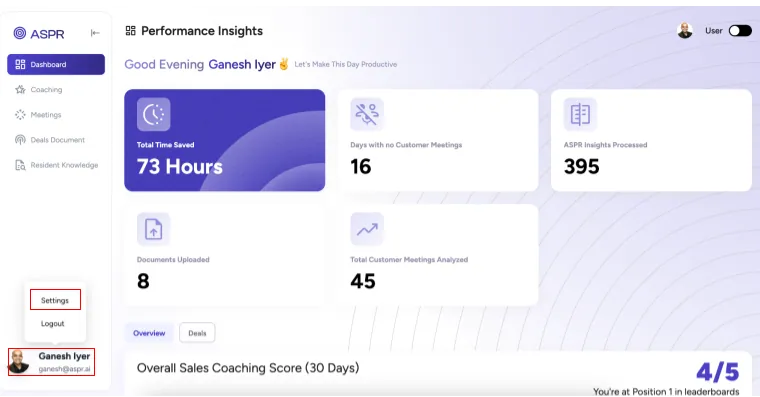
- Head over to Settings Menu in the bottom right of your account
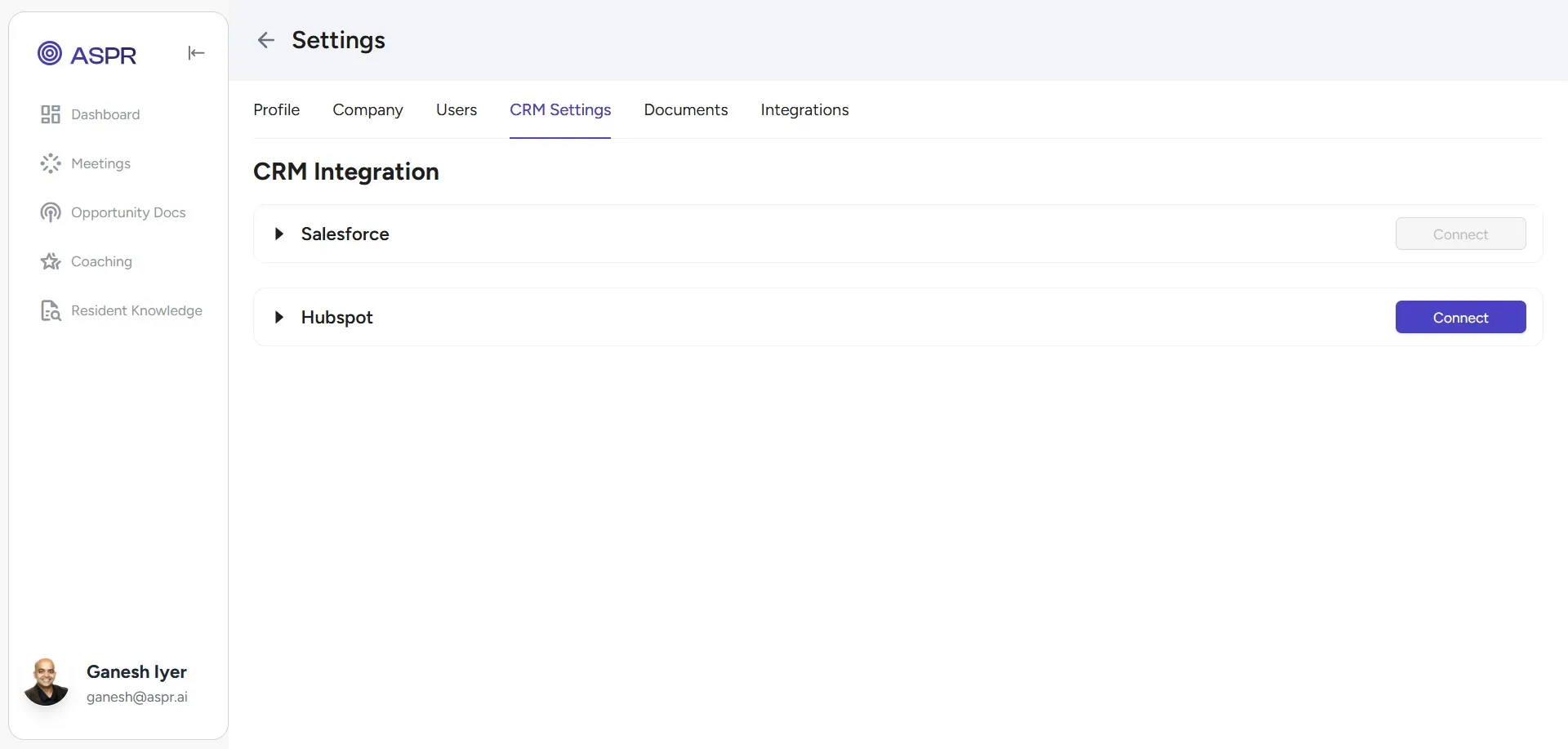
- Go to CRM Settings Tab and click on Connect against Hubspot Connection
- Authorize your Hubspot after reviewing permissions
- Connection Established! - That’s it, your Hubspot account is now connected with your ASPR account. You’ll be able to see all Hubspot meetings from the ASPR Meetings tab.
Disconnecting your Hubspot Account
- Login into your ASPR Account and go to the CRM Settings Tab as above
- Click on the Disconnect Button
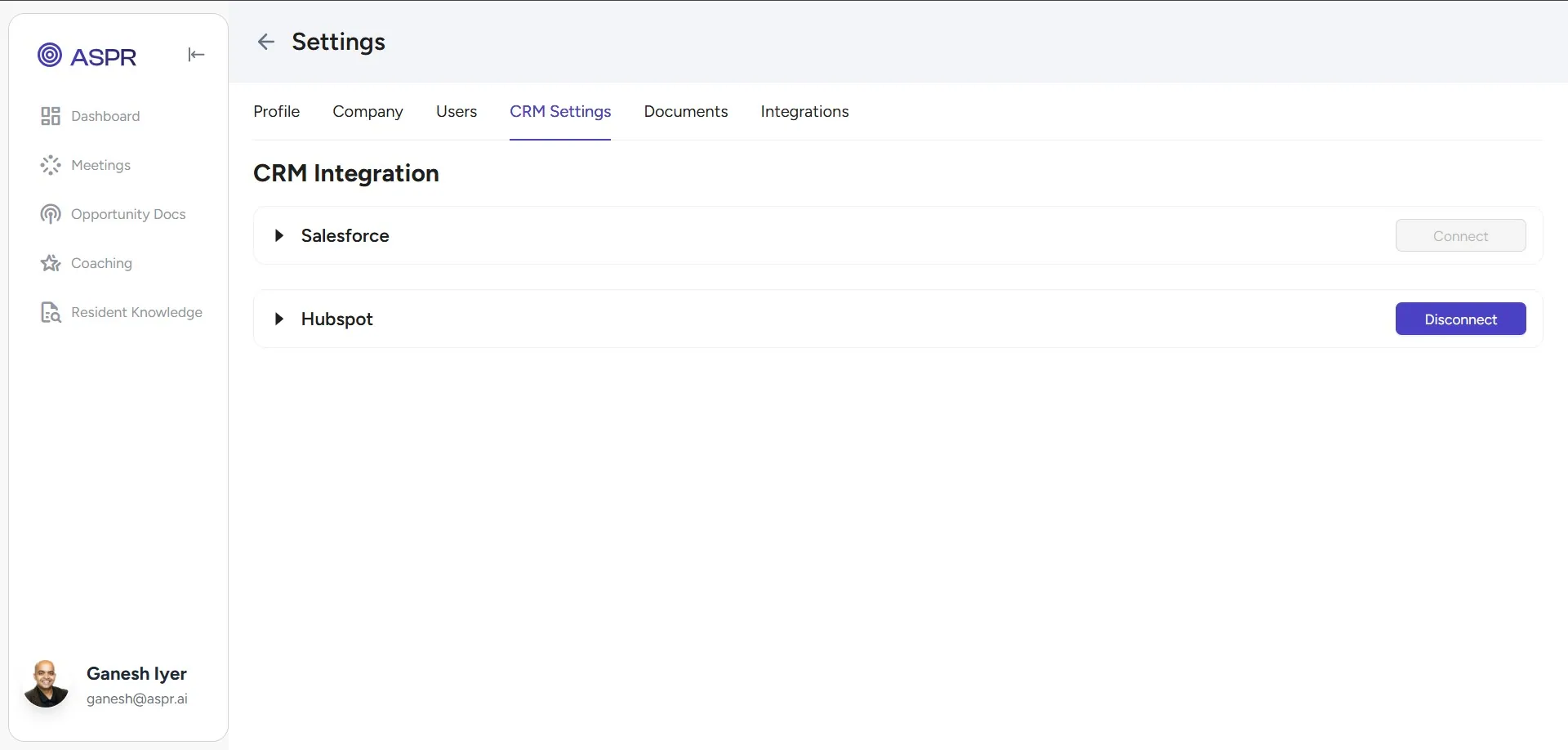
- That’s it! Your Hubspot account is now disconnected from ASPR.